
You will go from zero to a working agent in about five minutes.
- Sign in with email or Google.
- Create a project — give it a name for whatever you want to track.
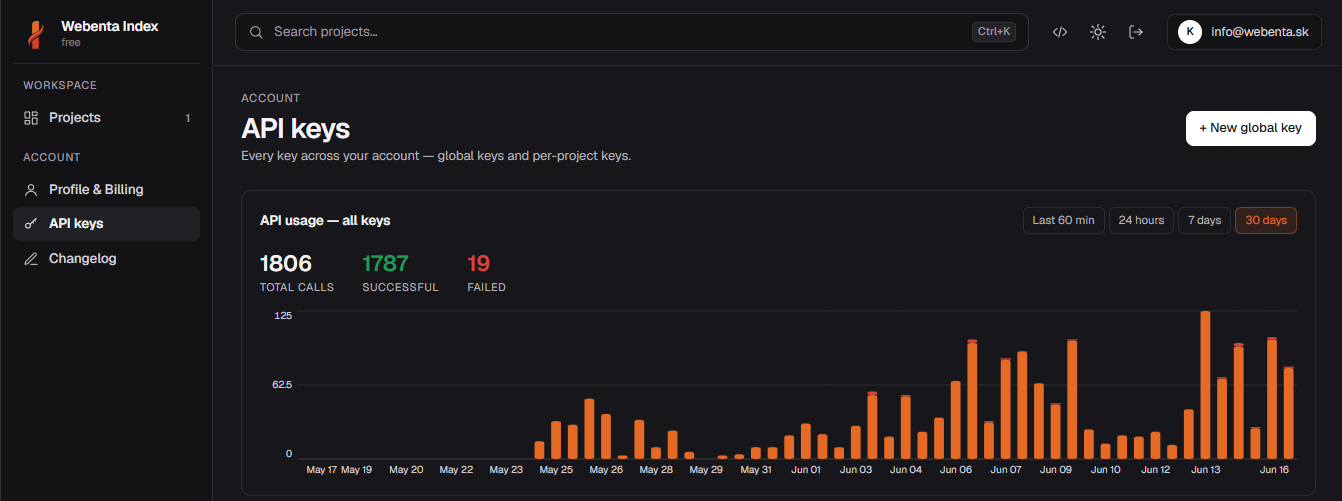
- Open API Keys → New key and copy it.
- Pick your agent under Connect an agent and follow the guide.
- Ask your agent to set up tables, then start using them straight away.
Free tier
The free tier covers a single project with reasonable usage. No credit card needed to start. See pricing for paid plans.
#Next
Pick your runtime from the sidebar under Connect an agent. Each guide is step-by-step and shows exactly where to paste the URL and key.