
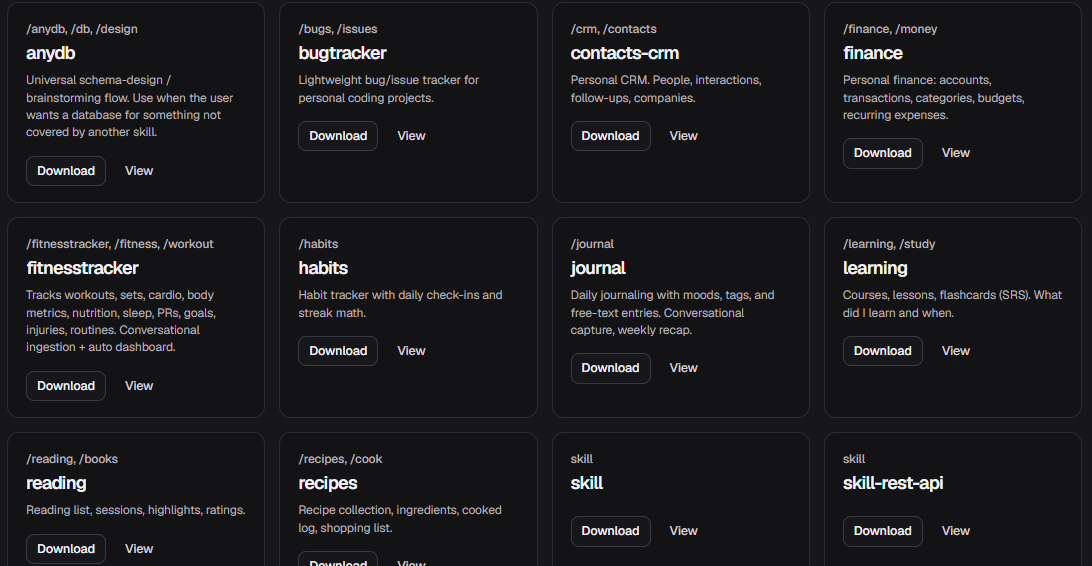
Skills are pre-built bundles — a ready-made table schema plus suggested custom instructions — so you don't start from a blank page. Pick one, download it, and give the instructions to your agent. Adjust the tables and wording to fit your exact needs.
#How to use a skill
- Open Skills in the project sidebar and browse the library.
- Click View to inspect the table schema and instructions.
- Click Download — the agent will call
create_tablefor each table in the skill. - Copy the suggested instructions into your agent's custom instructions or
CLAUDE.md. - Adjust column names, add columns, or rewrite the instructions to match your workflow.
Skills are a starting point
They're generated schemas — good enough to get going, but worth reviewing before you build on top of them. Rename columns freely; renames are safe.